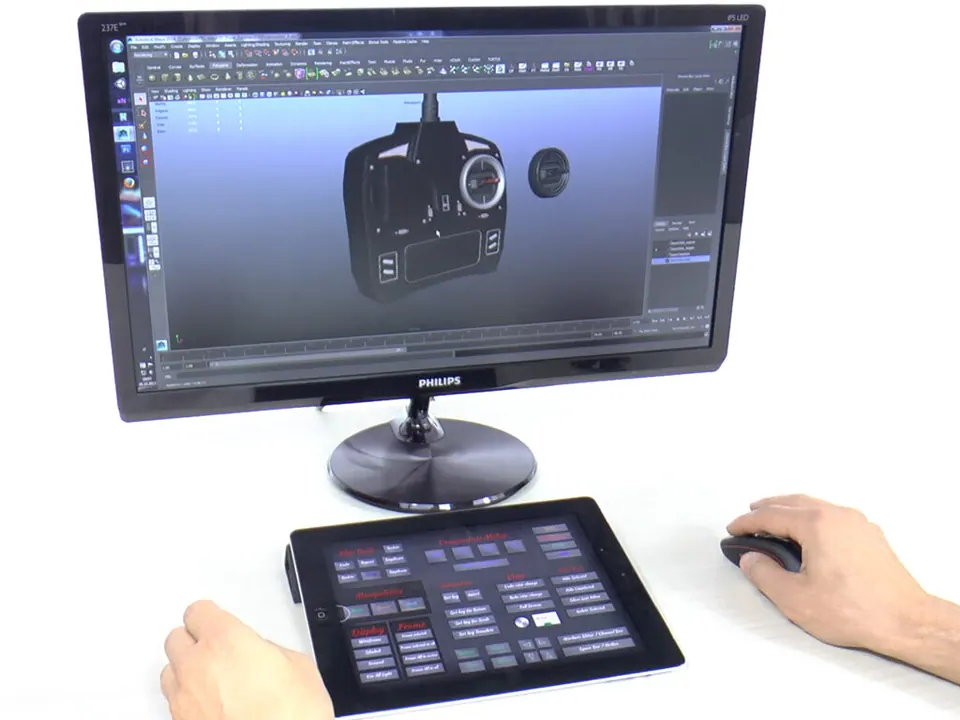
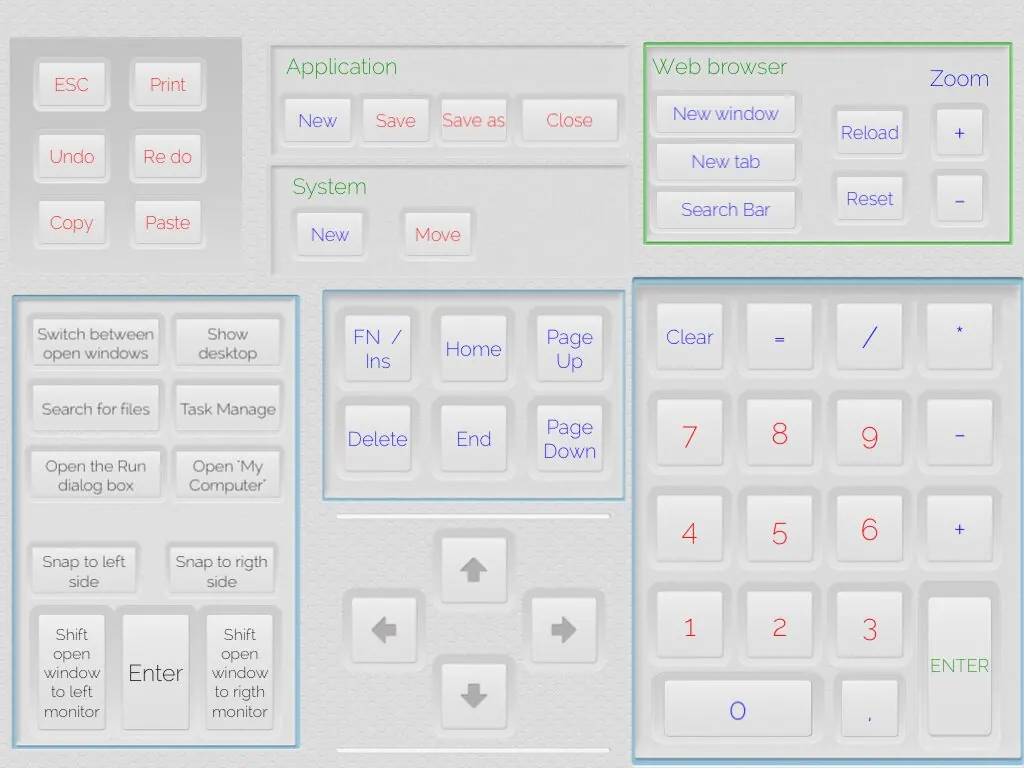
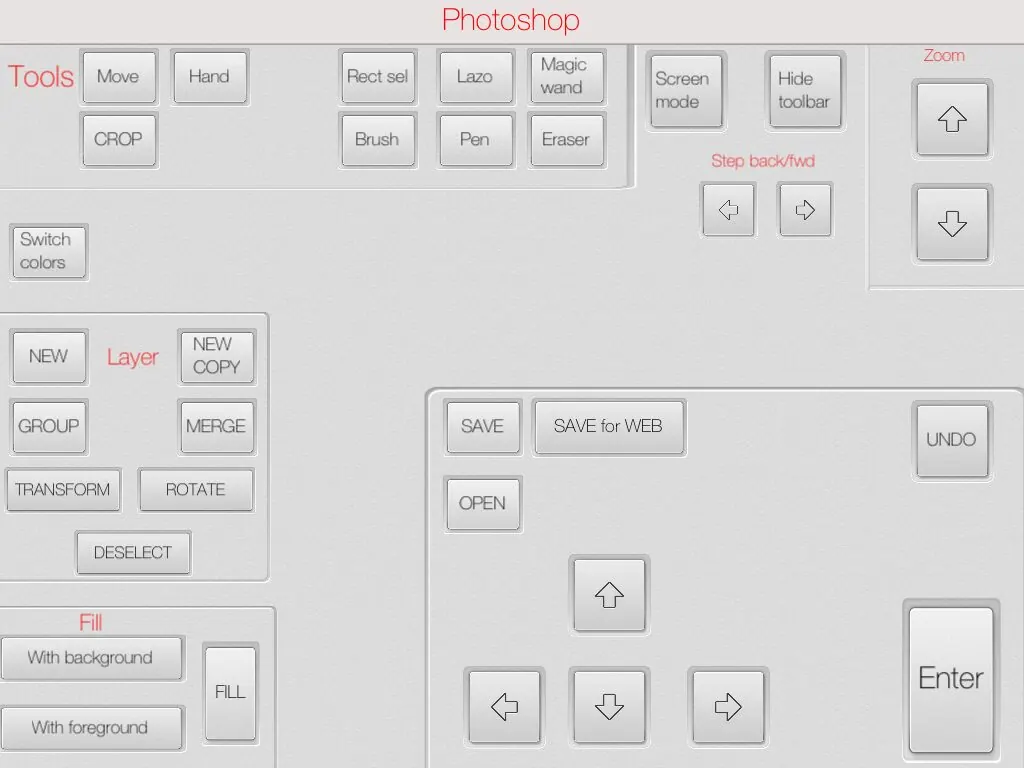
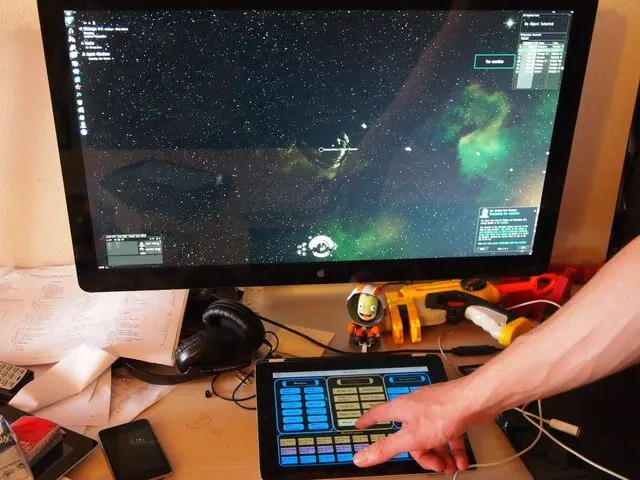
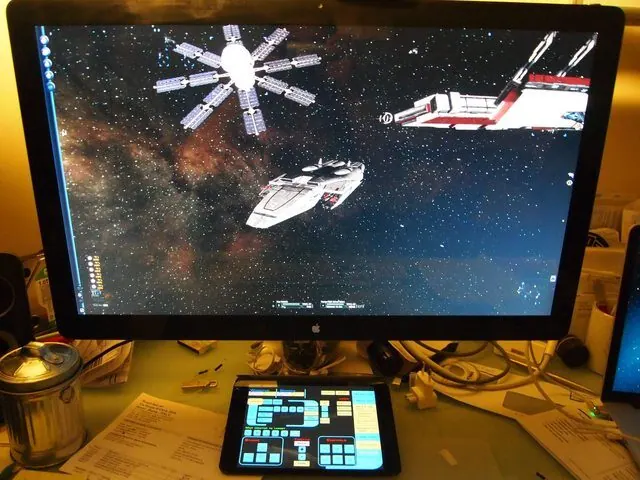
We use a lot of pro applications in our daily work, and we wanted to use the touch screens we now have everywhere as a control surface for them: spend a few minutes setting up each app's shortcuts on the iPad with a clear name, and then forget about them. That's how CCP was born.
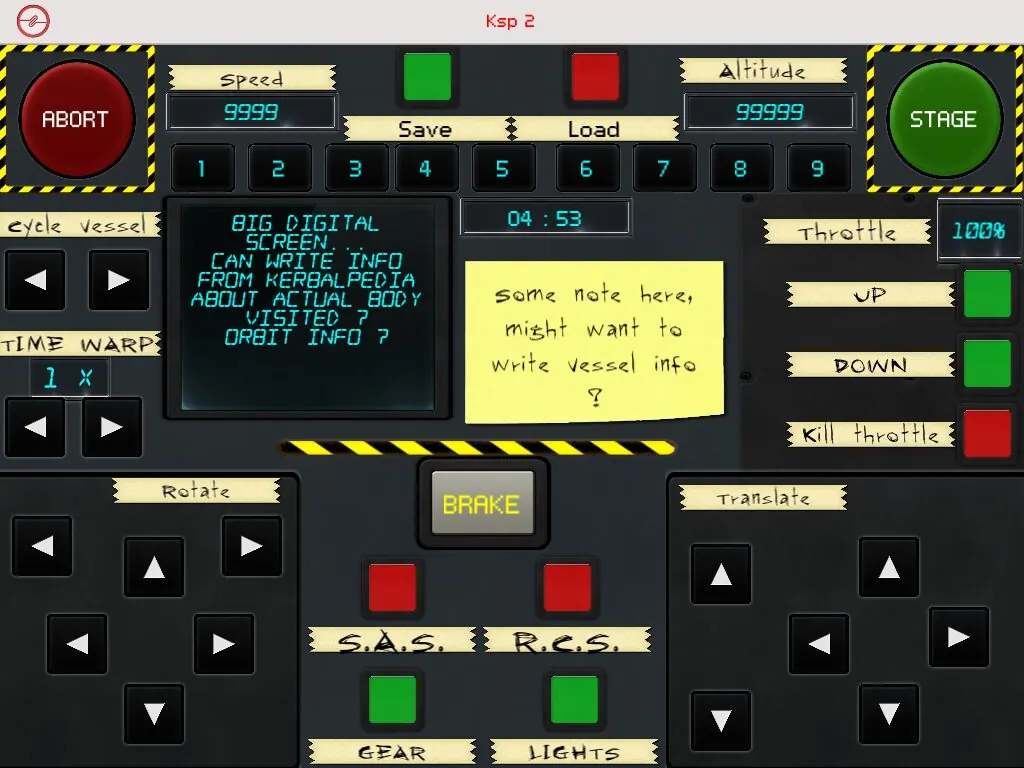
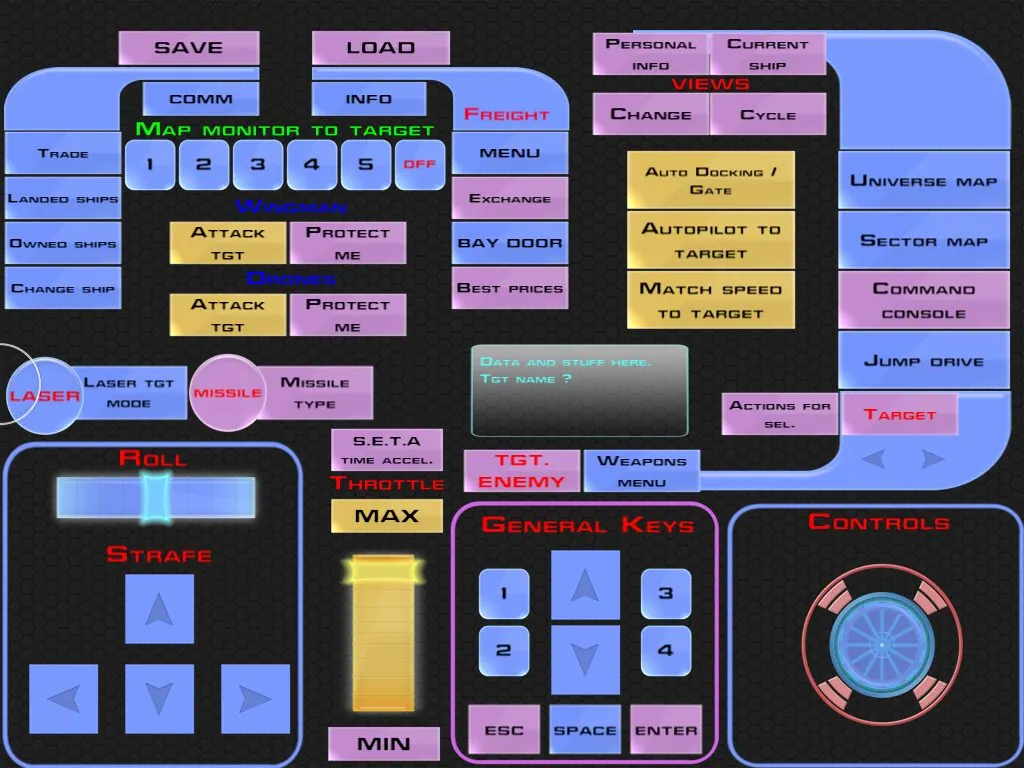
With CCP you create and save "layouts" of buttons, labels, knobs, virtual joysticks, sliders and other controls, and assign each one an input to reproduce on your Mac or PC. A single button can send Ctrl + Alt + Del, or any other combination.
How it works
A small CCP Server app on your computer handles the connection with your iPad or iPhone over Wi-Fi or Bluetooth, and simulates virtual hardware: keyboard, joystick and MIDI. So any application or game you can drive with a keyboard, joystick or MIDI device can be controlled from CCP.
Layouts can be tied to a specific application, so when you switch app on your computer, the layout on your device switches too.
Features
- Control your Mac or PC wirelessly
- Use your iPad or iPhone as a keyboard, a joystick, or both
- Fully customisable virtual joysticks, with ranges and sensitivity
- Create, edit and share unlimited layouts, organised in folders, and switch between them with a two-finger swipe
- Over 40 ready-made layouts, plus layouts shared by other users through an in-app server browser
- Six high-res skins included, and a free skin editor for Mac and PC
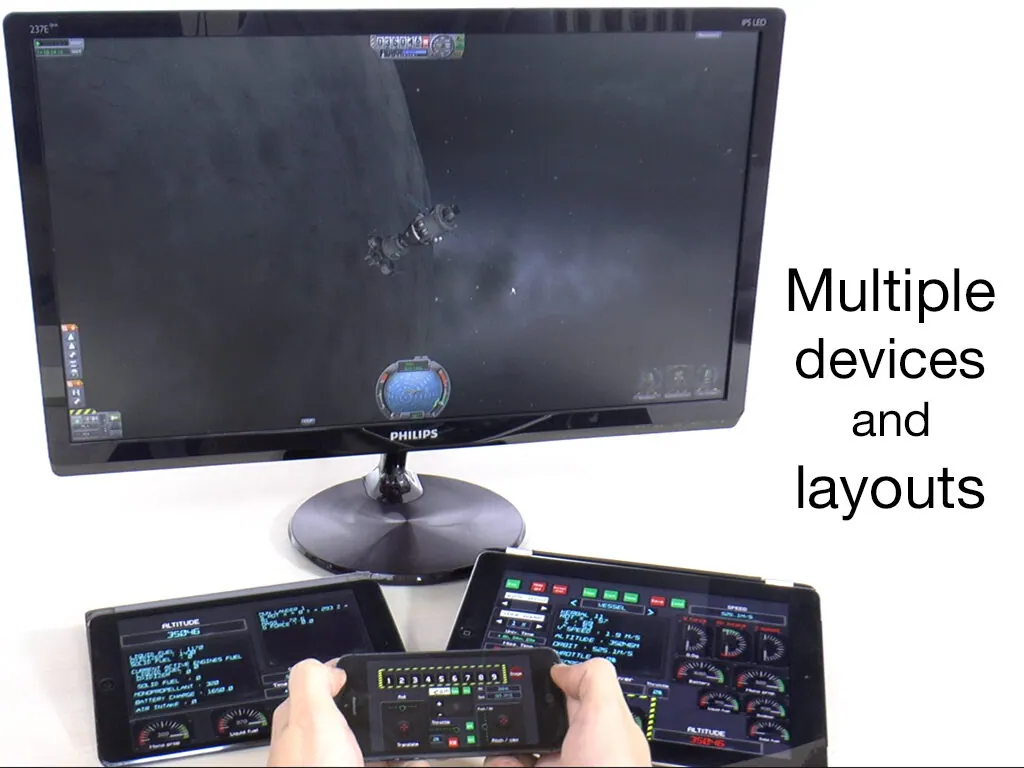
- Connect several devices to the same computer
- "Safe" buttons that need a double tap, for the inputs you don't want to hit by accident
Default layouts cover applications such as Final Cut Pro, Logic Pro, Office, Keynote, Photoshop, Illustrator, Maya, Xcode, Visual Studio and Unity 3D, and games such as Kerbal Space Program, Arma 3, Dota 2, Eve Online, Flight Simulator X, X-Plane 10 and X3.
SDK
The CCP SDK lets developers and modders send data from their application or game to CCP: text for labels and buttons, or values for radial indicators. You send data on a channel, and set an item in your layout to read that channel. Our Kerbal Space Program plugin uses it to show live game data on the device.
Downloads and support
- CCP Server 1.08 for Windows (Vista or later) and CCP Server 1.05 for Mac (OS X 10.7 or later): use the buttons above. On Windows, unzip the whole folder before running the installer.
- CCP Skinner 0.81 (needs Java) and an example skin
- The user manual
If CCP can't find or connect to your computer, make sure both devices are on the same Wi-Fi network (or connected via Bluetooth), and check your firewall and antivirus settings. Windows may warn that the installer or driver isn't signed: the certificates have expired, but the app works just as well.